Booking a family photographer costs $300–$800, requires coordinating everyone's schedules, and still leaves you with a folder of JPEGs that look like every other family photo session. An AI generated family portrait skips all of that — you describe the scene you want, and a high-quality image appears in seconds. This guide walks you through exactly how to create one, what to put in your prompt, and how to turn the result into a gift worth keeping.
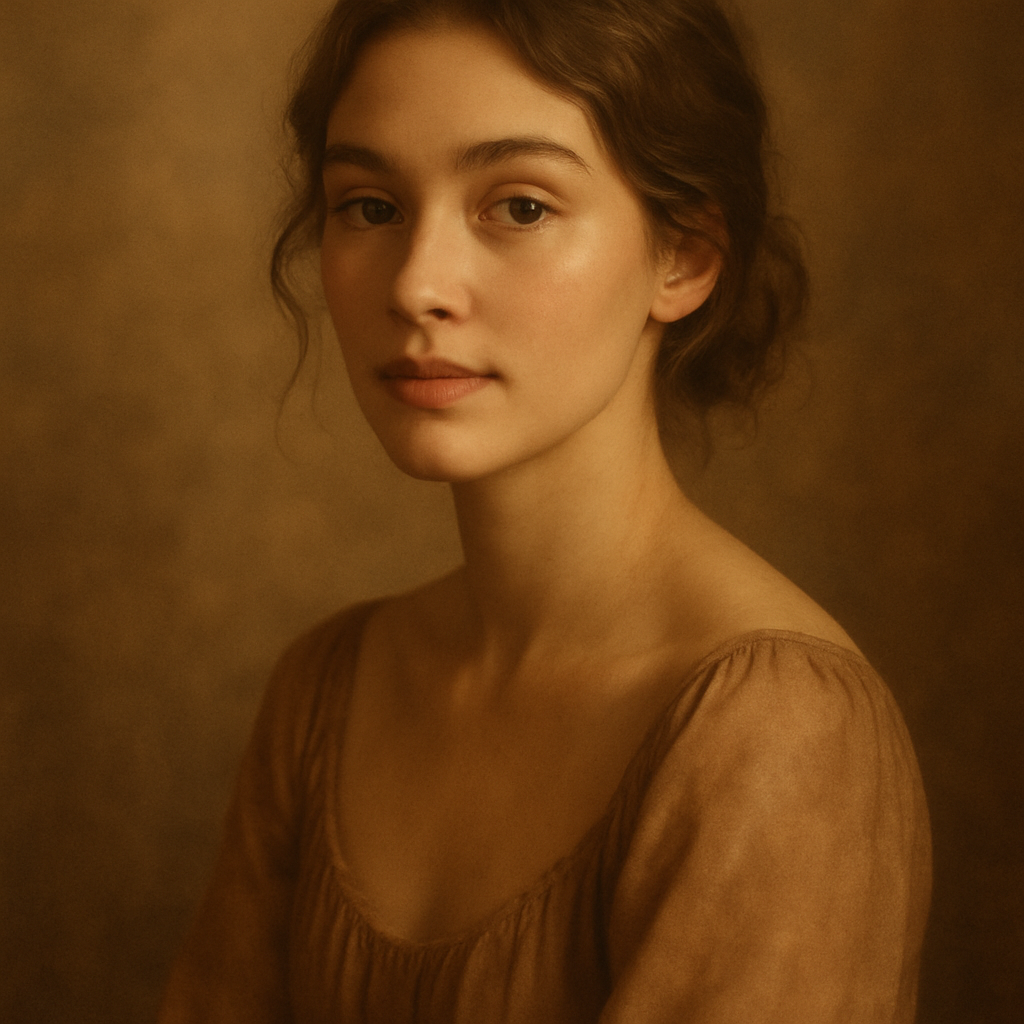
Quick answer: Type a description of your family — number of people, setting, art style, mood — into an AI portrait generator. You'll have a finished image in under a minute for a few cents. No photographer, no appointment, no subscription required.
What an AI Generated Family Portrait Actually Is
An AI generated family portrait is an illustrated or stylized image created entirely from a text description — not a photo edit or a filter applied to an existing picture. You tell the generator things like "a family of four in a cozy living room, warm lighting, painted in a watercolor style," and it builds that image from scratch.
This matters because it sets the right expectations:
- The portrait reflects your description, not your literal faces
- It's closer to a custom illustration than a photograph
- That's actually the point — it has an artistic quality a snapshot doesn't
The result is something you can print on canvas, frame, add to a holiday card, or use as a cover photo. Because it's generated fresh from your words, it can include details a stock image never could: your dog, your grandmother's reading chair, a specific season, a meaningful location.
Choosing the Right Style Before You Write a Single Word
Your style choice shapes everything else in the prompt, so decide this first. Different styles serve different purposes:
| Style | Best for | |---|---| | Watercolor illustration | Framed prints, nursery art, soft and timeless gifts | | Oil painting | Anniversary gifts, formal display, heirloom feel | | Storybook / cartoon | Kids' rooms, birthday cards, fun family gifts | | Vintage photograph | Nostalgic gifts, grandparents, holiday cards | | Cinematic photo-real | Modern home décor, dramatic lighting, wall art |
Pick one before you open the generator. A prompt that mixes styles ("watercolor but also photorealistic") tends to produce muddier results than committing to a single clear direction.
How to Write a Prompt That Gets the Portrait Right
A strong prompt describes who is in the scene, where they are, what the mood is, and what style it should use — in that order. Here's a structure that works every time:
- Who — number of people and rough ages ("a couple and two young children")
- What they're doing — seated together, laughing, reading, outdoors
- Setting — living room, backyard, mountain trail, cozy library
- Lighting and mood — golden hour, warm lamplight, bright and airy
- Style — watercolor, oil painting, vintage photo, cartoon
- Any specific details — a golden retriever, autumn leaves, Christmas tree in the background
Prompt Template
A family of four — two parents and two young children — sitting together on a front porch swing in autumn. A golden retriever sits at their feet. Warm late-afternoon light filters through red and orange leaves. Illustrated in a soft watercolor style with muted, earthy tones.
That single prompt will produce a portrait you can print and frame. Try it on ATXP Pics' AI portrait generator → and adjust any detail that doesn't land exactly right.
What to Avoid in Your Prompt
- Vague mood words without context — "beautiful" and "nice" add nothing; "golden afternoon light" does
- Too many competing styles — pick one and commit
- Overloading details — five specific props in one image gets cluttered; prioritize two or three
Generating Variations Until You Have the One
Run two or three variations of the same prompt before settling — small wording changes produce noticeably different results. This is one of the clearest advantages of pay-per-image pricing: you're not burning through a monthly quota to experiment.
On ATXP Pics, each image costs a few cents. Generating five variations to find the perfect one costs less than a quarter. Compare that to a subscription service where you're paying $10–$30 a month whether you create anything or not.
Here's how to iterate effectively:
- Generate your first image with the full prompt above
- Identify the one thing you'd change (lighting too dark, style too stiff, too many people visible)
- Adjust only that element in the prompt — keep everything else identical
- Regenerate and compare
- Once you have the image you want, download the highest resolution available
Prompt variation example: Swap "soft watercolor style with muted, earthy tones" → "vintage oil painting style, rich jewel tones, dramatic lighting" and you get an entirely different artistic direction from the same family scene.
Turning Your Portrait Into an Actual Gift
The image file is just the starting point — what you do with it determines whether this becomes a forgettable digital file or a gift someone keeps for years.
Print Options That Work Well
- Canvas print — most portrait-style images translate well to canvas; 12×16 or 16×20 are popular sizes
- Framed print — use a local print shop or an online service like Canvera or Printful
- Greeting card — a portrait on the front of a holiday or birthday card is more personal than any store-bought option
- Phone case or mug — works best with bolder, higher-contrast styles like cartoon or oil painting
- Photo book cover — use the portrait as the cover of a printed photo album
When to Use This as a Gift
An AI generated family portrait works particularly well for:
- Mother's Day or Father's Day (commission-style gift without the commission price)
- Holiday cards that stand out from the standard photo card
- Grandparents who'd love a stylized illustration of the whole family
- New baby announcements in a storybook style
- Anniversaries where you want something more artistic than a photo print
The Cost Comparison: AI Portrait vs. a Photographer
At $300–$800 for a standard family photography session — before prints — the math isn't close. Even a professional custom illustrator charges $150–$400 for a single portrait.
| Option | Typical cost | Turnaround | Requires scheduling? | |---|---|---|---| | Family photographer | $300–$800 | 1–3 weeks | Yes | | Custom illustrator | $150–$400 | 1–4 weeks | Yes | | AI generated portrait (ATXP Pics) | A few cents per image | Seconds | No |
The AI option isn't trying to replace a professional photographer for milestone events where real faces matter. But for a stylized, artistic portrait you can print and give as a gift? It's the faster, simpler, and dramatically cheaper path.
Create your AI family portrait now →
Get Your Portrait in the Next Five Minutes
Writing a prompt takes about 60 seconds. Generating the image takes another 10. Pick a style, follow the template above, and you'll have something printable before you finish your coffee.
No photographer to book. No subscription to start. No design experience needed — just a description of the scene you want.