You have a specific idea — a custom gift for a friend, a print for the living room wall, a unique card for someone's birthday — and no practical way to bring it to life until now. This guide walks through exactly how to use an AI generated image for personal use, from writing your first description to holding the finished print in your hands.
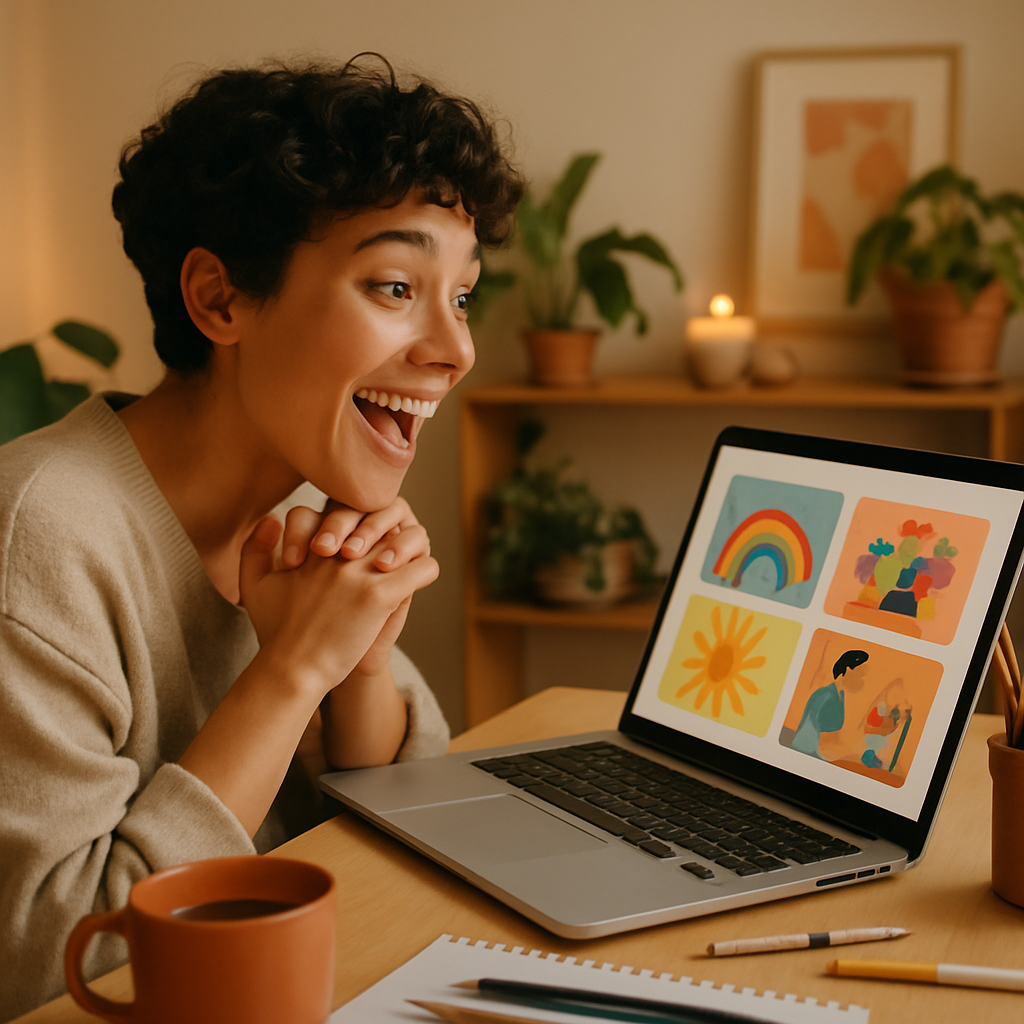
Quick answer: You don't need a subscription, a design background, or any technical knowledge to create custom AI images for personal use. Describe what you want in plain English, pay a few cents per image, and download a file ready to print or share. That's the whole process.
What Counts as Personal Use for AI Generated Images
Personal use means any project that isn't commercial — gifts, home décor, greeting cards, scrapbooks, vision boards, custom phone wallpapers, and creative hobby work. None of those require a professional license or a monthly creative suite.
The category is broader than most people assume:
- A watercolor portrait of your dog to hang in the hallway
- A custom illustration for a friend's birthday card
- A themed print for a child's bedroom
- A travel-inspired image from a place you visited
- A stylized family portrait based on a photo description
If you're making it for yourself or giving it to someone you know — that's personal use, and it's the perfect fit for a pay-per-image tool.
How to Write a Prompt That Gets the Image You Imagined
The single most important skill is being specific about three things: subject, style, and mood. You don't need to learn any special syntax — plain English works fine.
Here's a simple framework to follow:
- Name the subject — What's in the image? A person, a pet, a place, an object?
- Add personal details — Colors, names, setting, time of day, season
- Pick a style — Photo-realistic, watercolor, oil painting, flat illustration, pencil sketch
- Set the mood — Warm and cozy, dramatic, playful, minimalist
Example prompts you can copy and adapt
"A watercolor illustration of a tabby cat sleeping on a windowsill, afternoon light, soft warm tones, loose brushwork"
"An oil painting style portrait of an elderly couple sitting on a porch swing, golden hour light, nostalgic and warm"
"A flat vector illustration of a mountain landscape at sunrise, teal and orange palette, suitable for a poster print"
What to avoid in your first prompt
- Being too vague: "a nice picture of a dog" gives the generator too little to work with
- Stacking too many unrelated ideas into one image
- Describing what you don't want instead of what you do want
If the first result isn't quite right, adjust one element at a time — change the style, add more detail about the setting, or shift the mood. Most people land on a result they love within two or three attempts.
The Best Personal Use Cases (and What to Describe)
Certain project types consistently produce results people are thrilled with, especially when the description is specific.
Custom gifts
For gifts, include anything that makes the image personal — a pet's breed and coloring, a favorite place, a shared memory, a name worked into the scene. Giclée-quality prints, canvas wraps, and custom mugs all start with a single image file.
Wall art and home décor
Describe the room's color palette if you want the print to coordinate. A "sage green and warm white bedroom with Scandinavian minimalist style" gives the generator useful context for a cohesive result.
Greeting cards and invitations
Go detailed on the occasion and tone. "A whimsical illustration of a birthday cake with candles, confetti, and a banner reading Happy Birthday, pastel colors, hand-drawn style" produces something far more personal than any stock card option.
Children's projects
Story illustrations, bedroom prints, and personalized book covers all work well. Describe the character with specific details — hair color, clothing, expression — and name the style ("like a children's picture book illustration").
Step-by-Step: From Idea to Finished Print
- Start at ATXP Pics — no account required to explore, and no subscription when you're ready to generate
- Type your description in the chat box using the subject-style-mood framework above
- Review the result — if it's close but not perfect, refine one detail and generate again
- Download your image — the file is yours, ready for printing or sharing
- Send to a print service — services like Printful, Snapfish, or your local print shop can turn the file into canvas prints, greeting cards, framed prints, or mugs
The entire process from idea to downloadable image takes under five minutes for most personal projects.
Why Pay-Per-Image Makes Sense for Personal Projects
Most people creating AI images for personal use don't need hundreds of images a month — they need ten or twenty, occasionally, when an idea strikes or a gift occasion comes up.
A subscription service charges you every month whether you create or not. Do the math:
| Usage | Midjourney Basic ($10/mo) | ATXP Pics (pay-per-image) | |---|---|---| | 20 images/month | $0.50 per image | A few cents per image | | 5 images/month | $2.00 per image | A few cents per image | | 0 images (slow month) | $10.00 (still charged) | $0.00 |
For personal use — gifts, seasonal projects, occasional wall art — pay-per-image is almost always the lower-cost option. Your balance never expires, so there's no pressure to "use it or lose it" before a billing date.
Create your first personal use image →
Common Mistakes and How to Fix Them
The most common issue is a prompt that's too short. "A portrait of my dog" gives the generator minimal direction. "A realistic portrait of a fluffy corgi with tan and white markings, sitting in a field of wildflowers, warm afternoon light, shallow depth of field" produces a far more targeted result.
Other fixes worth knowing:
- Wrong style for the intended use — Photorealistic images work well for prints; flat illustrations work better for cards and children's projects. State the style explicitly.
- Missing context for scale — If you're making something for a specific space or product, mention it. "Suitable for a 16x20 horizontal print" shapes the composition.
- Overlooking the background — The background affects the whole feeling of an image. "Simple white background," "blurred garden background," or "dark moody interior" all dramatically change the result.
Start Your Personal Project Today
An AI generated image for personal use takes minutes to create and costs a few cents — no subscription, no design skills, no waiting. Whether you're making a one-of-a-kind gift, decorating a room, or working on a creative project you've had in mind for months, the only thing you need is a description.