Your LinkedIn profile photo is doing more work than you think — and if it's a blurry selfie or a cropped group shot, it's costing you credibility before you say a word. An AI headshot generator for men lets you produce a clean, professional image in minutes without booking a photographer or owning a single piece of studio equipment.
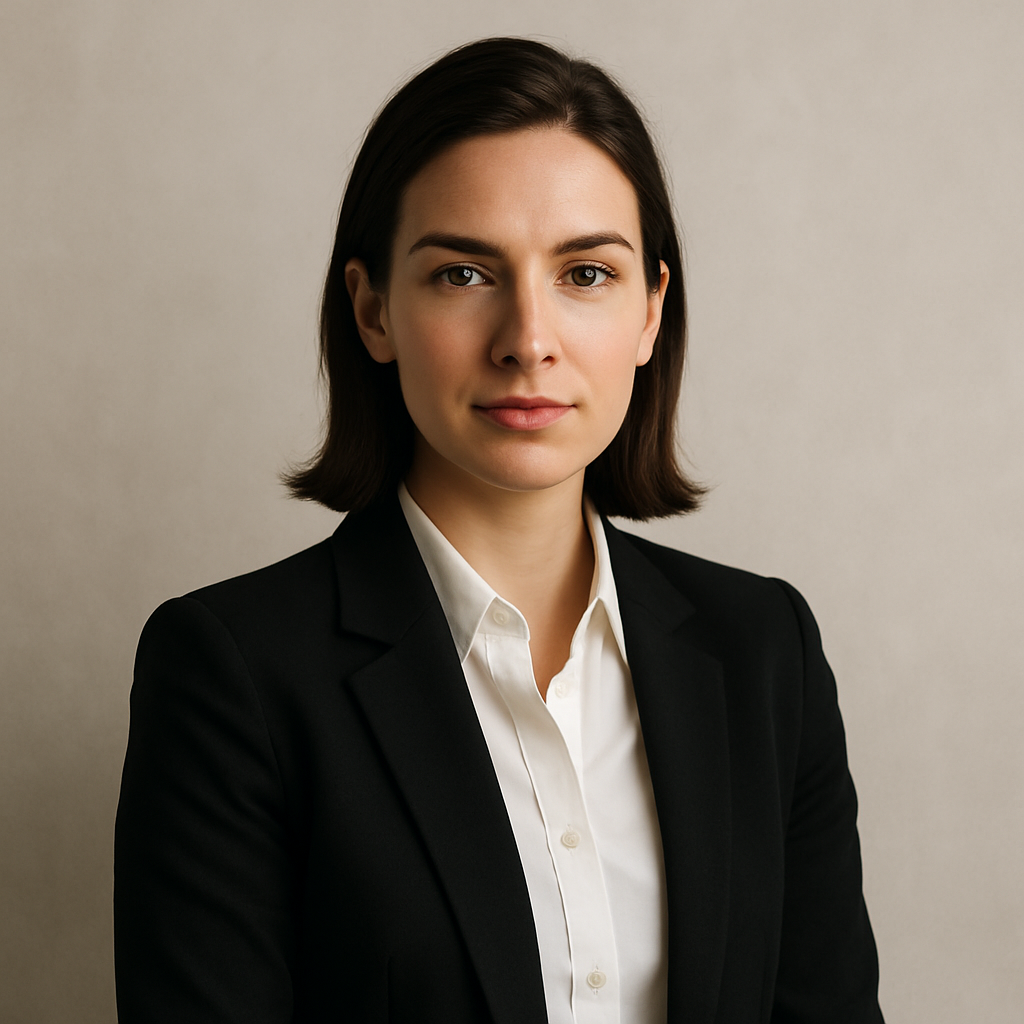
Quick answer: An AI headshot generator for men lets you describe your look, clothing, and background in plain English and receive a professional-quality portrait in seconds. No subscription is required on ATXP Pics — you pay per image, a few cents each, and your balance never expires. The whole process takes under five minutes.
What Makes a Good Men's AI Headshot
A strong men's headshot comes down to three things: clothing, background, and expression. Everything else — lighting, framing, camera angle — is handled for you once you nail those three in your prompt.
Here's what each element should accomplish:
- Clothing: A dark or neutral suit jacket, blazer, or collared shirt signals professionalism. Avoid busy patterns — they distract from your face.
- Background: Neutral gray, soft white, or a lightly blurred office environment keeps focus on you. Outdoor backgrounds (green bokeh, city street) work well for creative or startup roles.
- Expression: "Confident and approachable" is the sweet spot for most use cases. "Serious and authoritative" works for legal or finance. "Relaxed and friendly" suits tech, coaching, and creative fields.
How to Write a Prompt That Gets It Right the First Time
The most common mistake with AI headshots is under-describing. The more specific you are, the fewer regenerations you need.
A good prompt covers:
- Physical description — hair color, hair length, facial hair, approximate age range, skin tone
- Clothing — specific garment, color, and any accessories (tie, watch)
- Background — what's behind you and how it's treated (blurred, solid, gradient)
- Lighting style — soft studio lighting, natural window light, dramatic side lighting
- Mood/expression — one or two adjectives that describe the feeling of the shot
Here's a complete, copy-paste prompt you can adapt:
Professional headshot of a man in his mid-30s, short brown hair, light stubble, wearing a navy blazer over a white collared shirt, neutral light gray background, soft even studio lighting, confident and approachable expression, sharp focus on face, photorealistic
Swap in your own details — hair color, age, clothing preference — and you're ready to generate.
Step-by-Step: Creating Your Headshot on ATXP Pics
The whole process takes about five minutes. Here's exactly how it works:
- Go to ATXP Pics headshot generator. No account required to browse — sign up only when you're ready to generate.
- Open the chat interface. It works like a text message: describe what you want.
- Paste your prompt (or write your own from scratch using the framework above).
- Review your result. If the expression isn't quite right, add "warm smile" or "direct eye contact" to the prompt and regenerate.
- Download your image. Use it on LinkedIn, your company bio, a conference speaker page, or anywhere a professional photo is expected.
There's no monthly subscription. You pay for the images you generate — a few cents each — and your balance carries over indefinitely.
Common Mistakes (and How to Fix Them)
Most first attempts miss because the prompt describes the person but not the photo. Think like a photographer giving direction, not just describing what someone looks like.
Mistake 1: No lighting instruction
Without a lighting cue, results can look flat or inconsistent. Add "soft even studio lighting" or "natural window light from the left" to every headshot prompt.
Mistake 2: Vague background
"Nice background" means nothing. "Neutral dark gray gradient background" gives the generator something to work with. Blurred backgrounds read as more professional for most use cases.
Mistake 3: Missing the expression
"Professional" is too broad. Try "direct eye contact, slight confident smile" or "neutral serious expression, strong jaw" — specific facial direction produces dramatically better results.
Mistake 4: Over-specifying accessories
A watch, pocket square, tie pin, and glasses in the same prompt creates visual noise. Pick one or two details max and let the clothing do the heavy lifting.
What to Use Your Headshot For
A single well-generated headshot can cover more ground than most people realize. Here's where men typically put them to work:
- LinkedIn profile photo — the highest-impact use; a professional headshot increases profile views significantly
- Company website bio page — keeps your team page looking cohesive
- Conference and event speaker profiles — organizers almost always request a headshot
- Email signature — adds credibility to client-facing communication
- Press and media kits — journalists and editors need a publication-ready image
- Dating profiles — a clean, well-lit photo outperforms any casual shot
If you need variations — different backgrounds for different platforms, or a cropped version for a small avatar — just regenerate with adjusted background details. At a few cents per image, testing multiple versions costs less than a coffee.
How the Cost Compares
| Option | Cost | Commitment | |---|---|---| | Professional photographer | $150–$400/session | Scheduling, travel, turnaround time | | Midjourney Basic | $10/month | Charged every month, ~150 images | | ATXP Pics | Cents per image | No subscription, balance never expires |
If you generate 5 headshot variations, you spend a fraction of a dollar. On Midjourney's $10/month plan, those same 5 images cost $2.00 each when you do the math across a slow month — and you're locked into the subscription regardless.
The Right Tool for a Practical Problem
An AI headshot generator for men solves a specific, recurring problem: you need a professional photo, you don't want to book a photographer, and you want it today. The key is writing a prompt that thinks like a photographer — clothing, background, lighting, expression, all specified — so the generator has everything it needs to deliver on the first try.
Start with the prompt template above, adjust the details to match your look, and you'll have a LinkedIn-ready headshot in under five minutes.