Your team's website has seven different headshot styles — someone's using a phone selfie, someone else has a dark conference-room shot from 2019, and the new hire hasn't submitted anything yet. This post walks you through exactly how to use an AI headshot generator for teams to produce polished, consistent photos for every member — no studio booking, no travel, no waiting.
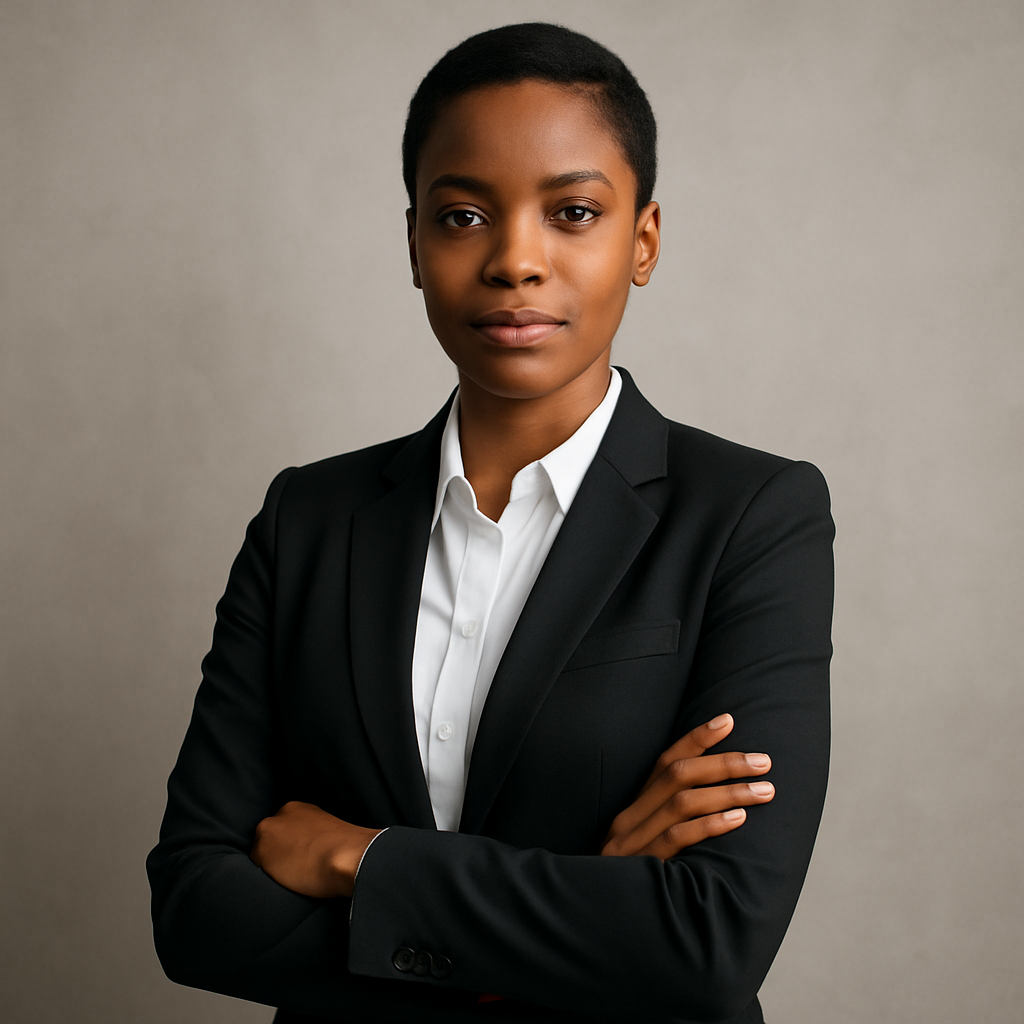
Quick answer: An AI headshot generator lets remote teams create professional, visually consistent headshots by giving every team member the same prompt template to work from. Each person generates their image in seconds. The whole process costs a few cents per image and requires no subscription, no design skills, and no coordinated photo shoot.
Why Remote Teams Struggle With Consistent Headshots
Inconsistency is the default when your team is distributed. Some people have DSLR portraits; others have cropped LinkedIn photos. When those images sit side by side on an About page or company directory, the visual mismatch signals disorganization — even if the team itself is sharp.
The traditional fix is a studio day: fly everyone in, hire a photographer, coordinate schedules across time zones. For a 10-person remote team, that easily runs $1,500–$3,000 and takes weeks to arrange. For growing startups or agencies onboarding new people monthly, it doesn't scale.
An AI headshot generator sidesteps the logistics entirely. The consistency doesn't come from the same physical studio — it comes from the same prompt.
How to Build a Shared Prompt Template for Your Team
The single most important step is writing one prompt that every team member uses. Lock in the variables that should stay the same — background, lighting, framing — and leave only personal details open.
Here's a proven template structure:
Team headshot prompt template: "Professional headshot, shoulders-up framing, soft studio lighting, neutral light gray background, business casual attire, confident expression with a slight smile, sharp focus, clean and modern look"
To customize per person, team members can append details like attire color (navy blazer, white button-down) or specific preferences (glasses, natural hair). Everything else stays fixed.
What to lock in the prompt
- Background — neutral gray, white, or your brand color
- Lighting style — soft studio lighting reads as professional and consistent
- Framing — "shoulders up" or "chest up" keeps crop consistent
- Tone — "professional", "approachable", or "confident" guides the expression
What to let each person customize
- Attire color and style
- Hair and facial hair description
- Small expression tweaks ("warm smile" vs. "confident, neutral")
How many variations to generate
Have each person generate 3–5 versions and pick their favorite. At a few cents per image, five images per person for a 20-person team costs roughly $2–$3 total.
Step-by-Step: Running a Team Headshot Session
Follow these steps to roll out AI headshots across your team in under an hour.
- Write your master prompt. Use the template above. Adjust the background color or attire style to match your brand.
- Share the prompt in a team doc or Slack message. Include instructions: keep the core prompt intact, only add personal details at the end.
- Have each team member open ATXP Pics and paste the prompt. No account setup or subscription required before generating.
- Generate 3–5 variations. Takes seconds each. Pick the one that looks best.
- Download and submit to whoever manages your website or directory. JPEG or PNG, ready to use.
- Store the master prompt. When you hire someone new, they use the same prompt on day one. No waiting for the next studio day.
Common Mistakes to Avoid
Vague prompts produce inconsistent results — the most common mistake teams make. Saying "professional photo" leaves too much open. Two people using that prompt will get noticeably different images.
- Don't skip the background spec. Without it, one person gets an outdoor background, another gets a dark wall.
- Don't let everyone write their own prompt from scratch. Even small wording differences shift the style. Start from one shared base.
- Don't use the first image generated. Generate a few, compare them, pick the strongest one.
- Don't overcomplicate the attire description. Simple works better: "navy blazer, white shirt" is more reliable than a long description that pulls the generator in multiple directions.
Generate your team's headshots →
What This Costs Compared to a Studio
The math is straightforward.
| Method | Cost | Timeline | Works for remote? | |---|---|---|---| | Professional studio photographer | $1,500–$3,000+ for a team | 2–4 weeks to coordinate | No | | Individual headshot sessions | $150–$300 per person | Each person books separately | Technically, but slow | | Stock photo "headshots" | Varies, looks generic | Immediate | Yes, but not your actual team | | AI headshot generator (ATXP Pics) | A few cents per image | Minutes | Yes |
No subscription means you're not paying $10–$30/month for a tool you use twice a year. You generate images when you need them, pay only for those images, and your balance never expires.
When AI Headshots Work Best — and When They Don't
AI headshots are the right call when speed, cost, and remote logistics matter more than photorealistic likeness. For company websites, team directories, LinkedIn banners, conference bios, and press kits, a polished AI-generated headshot reads as professional and is indistinguishable from a studio photo at typical display sizes.
They're less suited for situations where the image needs to be a verified likeness of a specific person — legal ID documents, regulated industries with identity verification requirements, or high-resolution print campaigns. For everything else, the output quality is more than sufficient.
Remote teams deserve a profile page that looks as put-together as the work they do. A shared prompt template and an AI headshot generator for teams gets every member a consistent, professional photo in minutes — no studio, no scheduling, no monthly bill.