Every dropshipping store selling that wireless charger, those resistance bands, or that LED desk lamp is pulling the exact same supplier photo. Your product page looks identical to the next store — and the one after that. This guide shows you exactly how to use AI images for your dropshipping store to create product visuals that are genuinely yours, without a photographer, a studio, or a design degree.
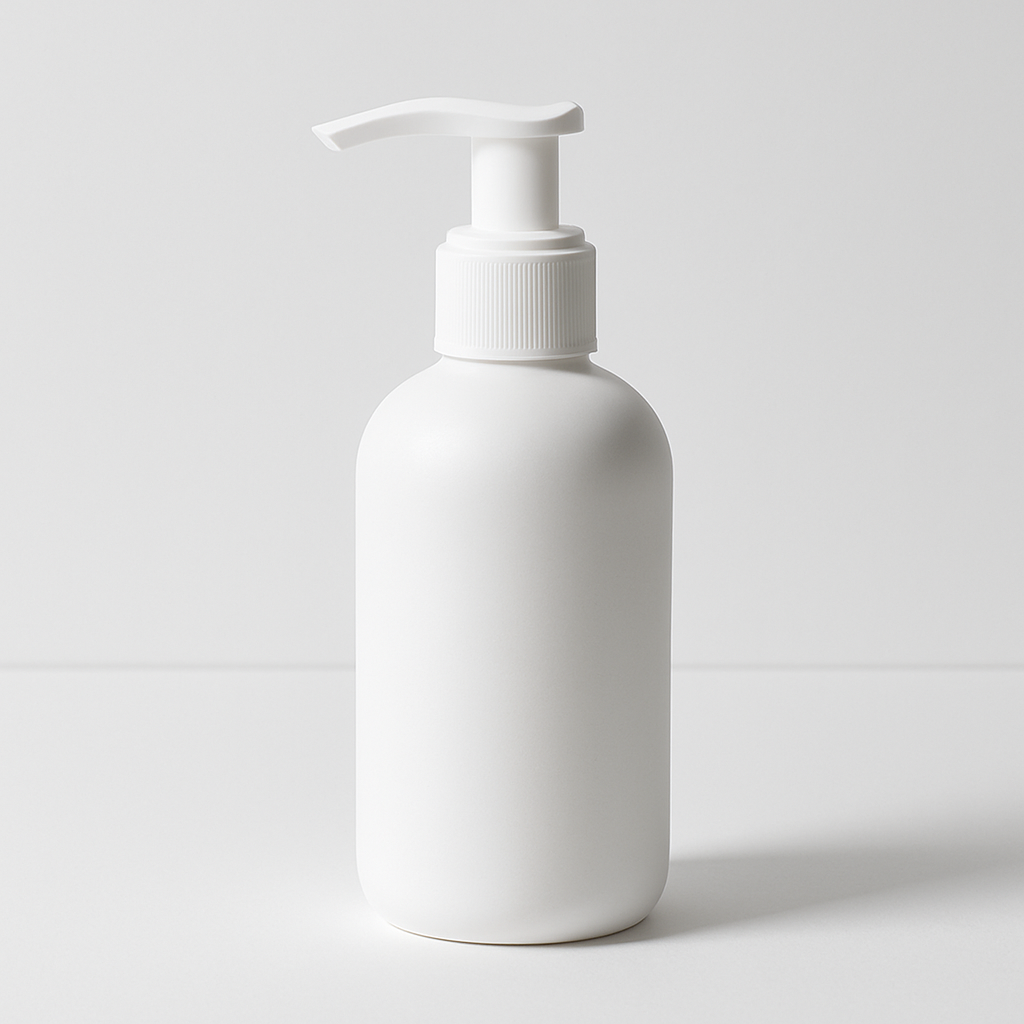
Quick answer: Generate unique product images by describing a specific scene around your product in plain English. Tools like ATXP Pics produce a custom image in seconds — no subscription, no design skills. The result is a product photo no supplier or competitor can copy because it never existed until you described it.
Why Supplier Photos Are Killing Your Conversion Rate
Every store using the same image trains shoppers to price-compare instead of buy. When a customer has seen that exact white-background photo on four other sites, your page doesn't feel like a brand — it feels like a reseller. Trust drops, and so does conversion.
There's a second problem: ad platforms. Facebook and Google deprioritize ads that look identical to thousands of others running the same creative. Unique images get more impressions for the same spend.
Original product visuals solve both problems at once. They signal a real brand, they differentiate your ad creative, and they give you something to A/B test that competitors can't just copy by screenshotting your supplier's listing.
What to Describe: Turning a Generic SKU Into a Scene
The fastest way to create a standout image is to put your product somewhere specific. Supplier photos exist in a vacuum — white background, centered product, no context. Your job is to give the product a world.
Three scene types that consistently perform well for dropshipping:
- Lifestyle placement — The product in use, in a real-looking space. A phone stand on a coffee-shop table. Resistance bands on a hardwood gym floor.
- Styled flat lay — The product surrounded by complementary objects that signal the target customer's taste. A skincare item next to a linen towel and a small plant.
- Seasonal or campaign version — The same product, reframed for a promotion. Holiday wrapping nearby, or summer-afternoon light through a window.
The goal isn't to fake a product shot — it's to show the product in a context that makes your customer imagine owning it.
How to Write Prompts That Actually Work
A strong prompt describes the setting, the light, and the mood — not just the product. Most people write "a photo of a wireless charger." That produces something generic. Add specificity and the image becomes yours.
Prompt structure to follow
- Name the product — be specific about color and material if it matters
- Set the scene — surface, room, or environment
- Describe the light — soft morning light, dramatic side lighting, overcast natural light
- Add mood or style — minimalist, cozy, editorial, clean and modern
Example prompts you can copy
"Matte black wireless charger resting on a light oak desk, soft diffused morning light from the left, a small succulent slightly out of focus in the background, clean minimalist style, product photography"
"Pastel pink resistance bands coiled next to a white water bottle and a rolled yoga mat on a light hardwood floor, bright natural light, overhead flat lay, health and wellness aesthetic"
"Stainless steel insulated tumbler on a mossy rock near a stream, golden hour light, adventure lifestyle, wide shot with the forest slightly blurred behind"
Each of these prompts takes about 30 seconds to write and produces an image that is entirely original — no supplier has it, no competitor can find it in a stock library.
Step-by-Step: Generating Your First Dropshipping Product Image
The process takes under five minutes from a blank page to a finished image.
- Pick one product and one use case. Don't try to cover everything in one image. Choose the scene most likely to resonate with your target buyer.
- Write your prompt using the structure above — product, scene, light, mood.
- Go to ATXP Pics' AI product mockup generator and paste your prompt into the chat interface.
- Review the result. If the background is right but you want warmer light, adjust that one element in your next prompt.
- Generate variations. Run two or three prompts with different scenes — one lifestyle, one flat lay, one seasonal. Now you have a small creative library for a few cents total.
- Upload to your store and ad campaigns. Use the lifestyle image as your hero shot, the flat lay for collection pages, and the seasonal version for your next promotion.
Common mistakes to avoid
- Being too vague. "A nice photo of my product" gives the generator nothing to work with. Name the surface, the light source, the mood.
- Overloading one prompt. If you want three different scenes, write three prompts. Trying to describe everything at once produces a cluttered image.
- Stopping at one image. The cost per image is a few cents. Generate five versions and pick the two strongest — it's a better investment than one mediocre professional shoot.
The Cost Math vs. Hiring a Photographer
A single product photography session typically runs $150–$500 for a handful of usable shots. That's before retouching, before you need seasonal updates, and before you decide to test a new product angle.
With a pay-per-image tool, you're spending cents per image with no monthly commitment. There's no subscription running in the background during months you're focused on ads rather than creative. Your balance doesn't expire, so testing a new product next quarter costs nothing extra to set up.
| Approach | Cost per image | Flexibility | Turnaround | |---|---|---|---| | Professional photographer | $30–$100+ | Book in advance, limited revisions | Days to weeks | | Stock photo library | $10–$50/image (or subscription) | Generic, not product-specific | Immediate | | Supplier photo | $0 | Identical to every competitor | Immediate | | ATXP Pics (pay-per-image) | A few cents | Unlimited variations, instant | Seconds |
Generate a product mockup now →
Seasonal and Campaign Images Without a Reshoot
One of the highest-ROI uses of AI images for a dropshipping store is generating seasonal variations of your best-performing product shots. Your core product doesn't change — only the scene does.
The same insulated tumbler that performed in your summer camping image can appear next to fall foliage, or on a holiday gift table in December. You didn't restock, you didn't reshoot, and you didn't pay a photographer again. You wrote a new prompt and spent a few cents.
This is how small dropshipping operations punch above their weight visually — not by spending more on photography, but by generating a new creative every time the calendar shifts.
Start With One Image, Then Build a Library
The stores that stand out on supplier-heavy platforms aren't the ones with the biggest budgets — they're the ones with the most specific, most evocative images of the products they sell. You can build that library a few images at a time, product by product, season by season.
Write one prompt today. Describe exactly where your best-selling product belongs — the surface it rests on, the light in the room, the feeling it gives the person looking at it. See what comes back in seconds.