Your profile picture is the first thing someone sees before they read a single word you've written. Getting a consistent, polished look across LinkedIn, Instagram, X, and every other platform used to mean booking a photographer — or living with mismatched photos taken at different angles, in different lighting, on different days. This guide shows you exactly how to use an AI image generator to create a unified visual identity across every platform, starting today.
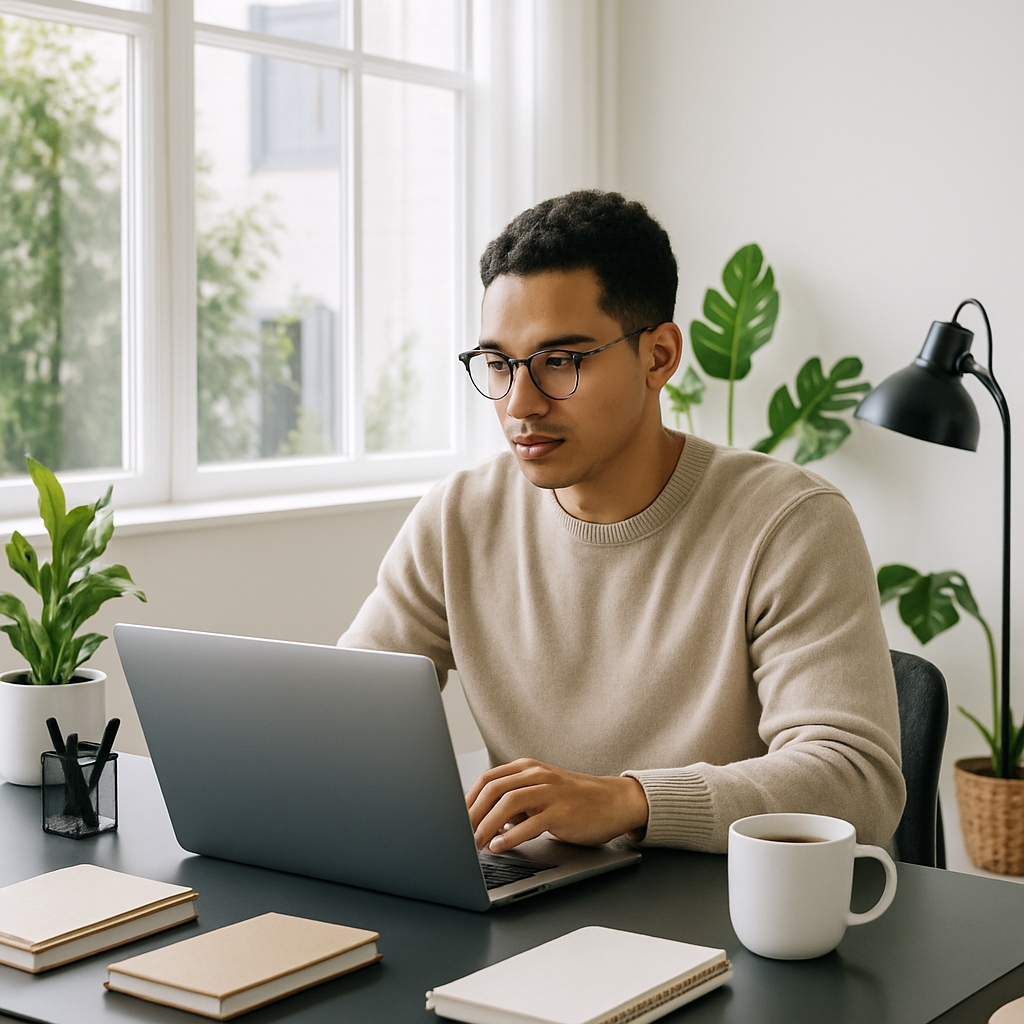
Quick answer: An AI image for your social media profile is generated from a plain-English description — clothing, background, lighting, expression — and can be reproduced consistently across every platform. With ATXP Pics, you pay a few cents per image and keep the results forever. No subscription, no monthly fee, no design skills needed.
What Makes a Social Media Profile Image Work
A great profile image does one job: make you immediately recognizable and trustworthy. That means clean background, good contrast, the right crop for each platform, and a consistent look whether someone finds you on LinkedIn or Instagram. The mistake most people make is using completely different photos on each platform — different lighting, different outfits, different moods. Your audience loses the visual thread that ties your identity together.
The three elements that matter most:
- Background — solid colors or simple gradients beat busy scenes every time
- Lighting — soft, even light reads well at small sizes; dramatic shadows can disappear
- Crop — LinkedIn wants a tight headshot; Instagram can show more; X is almost a thumbnail
AI generation lets you control all three in a single sentence.
How to Write a Prompt That Creates a Consistent Profile Image
The secret to cross-platform consistency is a single "base prompt" you reuse with small adjustments for each platform. Build your base prompt once, then vary only the framing or crop direction.
A strong base prompt has four components:
- Subject description — gender, approximate age, hair, distinguishing features
- Clothing — professional, casual, or industry-specific attire
- Background — solid color, gradient, or simple setting
- Lighting and mood — "soft studio lighting," "warm natural light," "clean and professional"
Copy-ready prompt example:
"Professional headshot of a woman in her 30s with short dark hair, wearing a navy blazer, soft studio lighting, clean white background, sharp focus, approachable expression, slight smile"
Once that prompt produces a result you like, add "mid-body crop" or "full portrait framing" to generate versions suited to different placements — your LinkedIn banner, your Twitter header, your website's About page.
Step-by-Step: Creating Your Full Profile Image Set
Follow these steps to build a complete, consistent image set in one session.
- Define your base prompt. Write out your subject, clothing, background, and lighting in one sentence. Keep it under 30 words.
- Generate 4–6 variations. Run the prompt 4–6 times without changing anything. You want options so you can pick the expression and angle that feels most natural.
- Lock in your favorite. Choose the image that reads best at a small size — shrink it in your browser before deciding. What looks great at full size often loses detail at 60×60 pixels.
- Generate platform-specific crops. Add "tight headshot crop" for LinkedIn and X. Add "mid-body portrait" for Instagram. Add "wide horizontal crop" for cover or banner images.
- Test across platforms before uploading. Most platforms auto-crop circles. Make sure your subject's face isn't cut off at the edges.
Create your profile image set →
Platform-by-Platform Requirements
Each platform displays your profile image differently, so a one-size-fits-all approach creates awkward crops. Here's what to know before you generate.
| Platform | Display Shape | Recommended Upload Size | What to Emphasize | |---|---|---|---| | LinkedIn | Circle | 800×800 px | Tight headshot, face centered | | Instagram | Circle | 800×800 px | Face with some breathing room | | X (Twitter) | Circle | 400×400 px | High contrast, simple background | | Facebook | Circle | 800×800 px | Similar to LinkedIn | | TikTok | Circle | 200×200 px | Face only, no small details | | YouTube | Circle | 800×800 px | Works well with slight zoom out |
For banner and header images, generate a separate horizontal composition — a wider version of the same scene — rather than stretching a square image.
How to Keep Your Branding Consistent Over Time
Save your base prompt somewhere permanent — a notes app, a doc, anywhere you can find it in six months. When you update your look, change only one variable at a time (new jacket color, new background tone) so your visual identity evolves without becoming unrecognizable.
A few habits that keep everything cohesive:
- Use the same background color family across all images, even if the shade shifts slightly
- Keep the lighting style identical — if you used soft studio lighting the first time, specify it every time
- Match the energy — a relaxed, approachable expression across platforms reads as consistent personality, not just consistent color palette
- Note which prompt variation produced each image so you can reproduce the result if a platform ever asks you to re-upload
Because ATXP Pics is pay-per-image with no subscription, revisiting and refreshing your profile images costs a few cents — not another monthly charge. Your balance never expires, so the images you funded last quarter are still there waiting when you need a refresh.
Common Mistakes to Avoid
The biggest mistake is generating once and forgetting the crop. Profile images get cropped to circles automatically, and anything near the edges disappears. Center your subject, leave margin on all sides, and check the result in a circle before committing.
Other things that hurt more than they help:
- Busy backgrounds — patterns and textures disappear at small sizes and create visual noise
- Low contrast clothing against the background — navy on dark grey, white on light grey both blur together
- Generating only one image — run 4–6 variations; expression matters more than you think
- Skipping the small-size test — always preview at the size it will actually display before uploading
Build Your Visual Identity in One Session
Your profile picture works harder than almost any other asset you own — it appears next to every post, every comment, every connection request. A consistent AI image for your social media profile doesn't require a photographer, a studio, or a monthly subscription. It requires a good prompt, a few variations, and five minutes per platform.