You've got a product ready to sell on Amazon, but professional photography is expensive and the listing looks bare without strong visuals. AI images for Amazon product listings let you build a complete set — main image, infographics, lifestyle shots, and A+ Content modules — for a fraction of the cost and time.
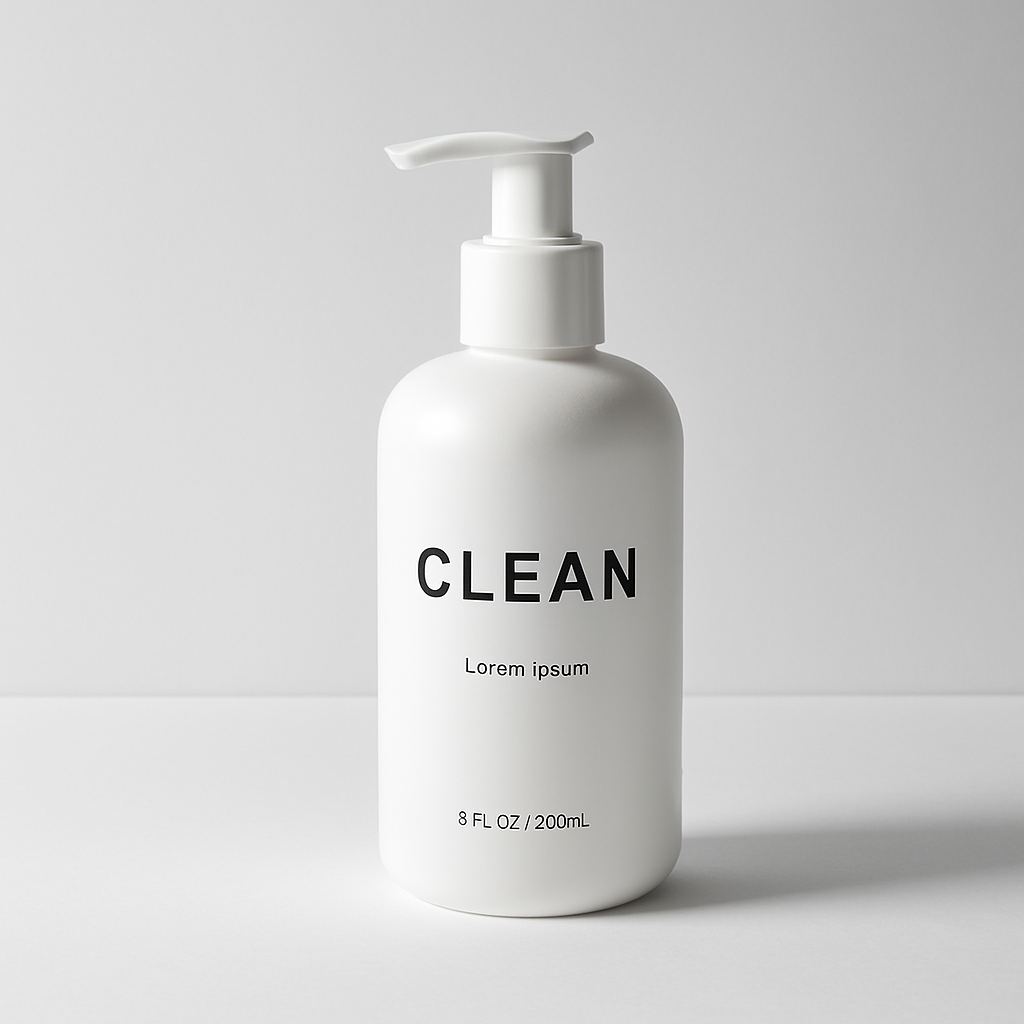
Quick answer: You can use AI-generated images across every section of an Amazon listing. For main images, generate a clean product-on-white shot. For infographics and A+ Content, use lifestyle scenes and feature callouts. With a pay-per-image tool like ATXP Pics, you create only what you need — no subscription, no monthly waste.
What Amazon Actually Requires for Each Image Type
Amazon's image rules differ significantly depending on where the image appears in your listing, so generating the right style of image matters before you ever write a prompt.
Here's what you need to know for each slot:
- Main image: Pure white background (RGB 255, 255, 255). Product must fill 85%+ of the frame. No props, text, or watermarks. Minimum 1000px on longest side.
- Secondary images (slots 2–7): Lifestyle photos, multiple angles, scale shots, and infographics are all allowed here. These are your opportunity to show the product in use.
- A+ Content: Full-width banner images, comparison tables, and feature highlight modules. Lifestyle scenes and branded graphics work well. Amazon recommends 970×300px for hero banners and 300×300px for feature icons.
Understanding these constraints up front means your prompts target the right output — not a beautiful image that fails compliance.
How to Write Prompts for Amazon Main Images
The main image prompt has one job: put the product on a clean white background with no distractions. This is the most technically specific prompt you'll write, and getting it right determines whether the image passes Amazon's requirements.
Follow this structure:
- Name the product explicitly — be specific about color, material, and form.
- Specify white background — say "pure white studio background" or "product on white, isolated."
- Add lighting direction — "soft studio lighting" or "even product photography lighting" prevents harsh shadows.
- Include the angle — straight-on front view, slight 3/4 angle, or top-down.
Copy-ready main image prompt: "A [matte black stainless steel water bottle, 32oz] photographed straight-on against a pure white background, soft even studio lighting, no shadows, product centered and filling the frame, commercial product photography style"
Replace the bracketed section with your specific product description. Generate 3–4 variations and pick the sharpest result before uploading.
Building Infographic Images with Feature Callouts
Infographic images — the ones with arrows, labels, and feature highlights — are consistently among the highest-converting secondary images on Amazon. They let shoppers absorb benefits at a glance without reading bullet points.
For infographics, your prompt needs two elements: the base product shot and a description of the visual treatment.
Infographic prompt example: "A [bamboo cutting board with juice groove] on a light kitchen countertop, clean lifestyle photography, space around the product for text overlay callouts, bright natural lighting, wide composition with room on the left side for feature labels"
You generate the base image, then use a free tool like Canva or Adobe Express to add the text labels and arrows on top. This workflow — AI image + text overlay — produces professional infographics in under 15 minutes per image.
Common infographic types to build for every listing:
- Feature callout (arrows pointing to product details)
- Size/dimensions reference (product next to a familiar object)
- Benefit summary ("BPA-free", "Dishwasher safe", "Leak-proof lid")
- Before/after or problem/solution comparison
Generating Lifestyle Images for Secondary Slots and A+ Content
Lifestyle images show the product in a real-world context, and they're the single strongest tool for communicating who the product is for. A lifestyle shot of your water bottle in a gym bag signals "this is for active people" without a word of copy.
For lifestyle prompts, shift from technical precision to scene-setting:
Lifestyle image prompt: "A [matte black stainless steel water bottle] sitting on a wooden bench in a bright modern gym, natural light from a window, fitness equipment softly blurred in the background, editorial product photography"
For A+ Content banner images, prompt for wide horizontal compositions — think cinematic crop, product featured but not necessarily centered, with clean areas of color or negative space for text overlays.
A+ hero banner prompt: "A [bamboo cutting board] on a marble kitchen island, styled with fresh herbs and a chef's knife, wide 16:9 cinematic crop, soft warm morning light, luxury lifestyle photography, clean negative space on the right third"
Generate product images without a subscription →
A Complete Amazon Image Set: Workflow and Cost
A full Amazon listing image set is 7–9 images, and you can build the entire set in a single session without a photo shoot. Here's a practical workflow:
- Write your product description — color, material, size, key features. This feeds every prompt.
- Generate the main image first — get the white-background shot approved before moving on.
- Generate 2–3 lifestyle shots — vary the setting (home, outdoors, in-use).
- Generate infographic bases — clean shots with compositional space for text labels.
- Add text overlays — bring images into Canva, add feature callouts and benefit text.
- Generate A+ Content banners — wide crops, lifestyle scenes, hero images.
- Resize and export — confirm each image meets Amazon's pixel requirements before upload.
Cost Comparison: AI Images vs. Professional Photography
| Image source | Cost | Images delivered | Monthly commitment | |---|---|---|---| | Professional product photography | $200–$800 per session | 10–20 edited images | None, but high per-session cost | | Midjourney Basic plan | $10/month | ~150 images | Yes — charged every month | | ATXP Pics | Cents per image | As many as you need | No subscription |
For a seller launching one product and needing 8 images, paying per image means you spend almost nothing and carry zero ongoing cost. At Midjourney's Basic plan, if you only generate images during launch month and then pause, you've still paid $10 for images you may not need again until your next product.
Common Mistakes That Fail Amazon's Image Requirements
The most common reason an AI-generated main image gets rejected is a background that isn't truly white. Prompting for "white background" sometimes produces off-white, light gray, or gradient backgrounds — all of which fail Amazon's compliance check.
Watch for these issues before uploading:
- Gray or gradient backgrounds on main images — always specify "pure white, RGB 255 255 255" in your prompt
- Product too small in frame — prompt explicitly: "product filling 85% of the frame"
- Unrealistic product details — AI can distort logos, labels, or fine text; review carefully and regenerate if key product details are wrong
- Prohibited overlays on main image — keep the main image strictly clean; save all text and graphics for infographic slots 2–7
- Wrong aspect ratio — Amazon works best with square (1:1) images; specify "square crop" in your prompt
Catching these issues at the prompt stage saves the back-and-forth of uploading, getting flagged, and re-shooting.
AI images for Amazon product listings give you a complete visual set — main image, infographics, lifestyle shots, and A+ Content banners — without booking a photographer or committing to a monthly plan. Describe your product, iterate on the prompts above, and build your listing image set image by image.