Your LinkedIn headshot is three years old, your Twitter avatar is a blurry concert photo, and your Discord still shows the default grey silhouette. A sharp profile picture matters — and an AI profile picture generator can produce a professional portrait in the time it takes to write a sentence. This guide walks you through exactly how to get a great result on any platform.
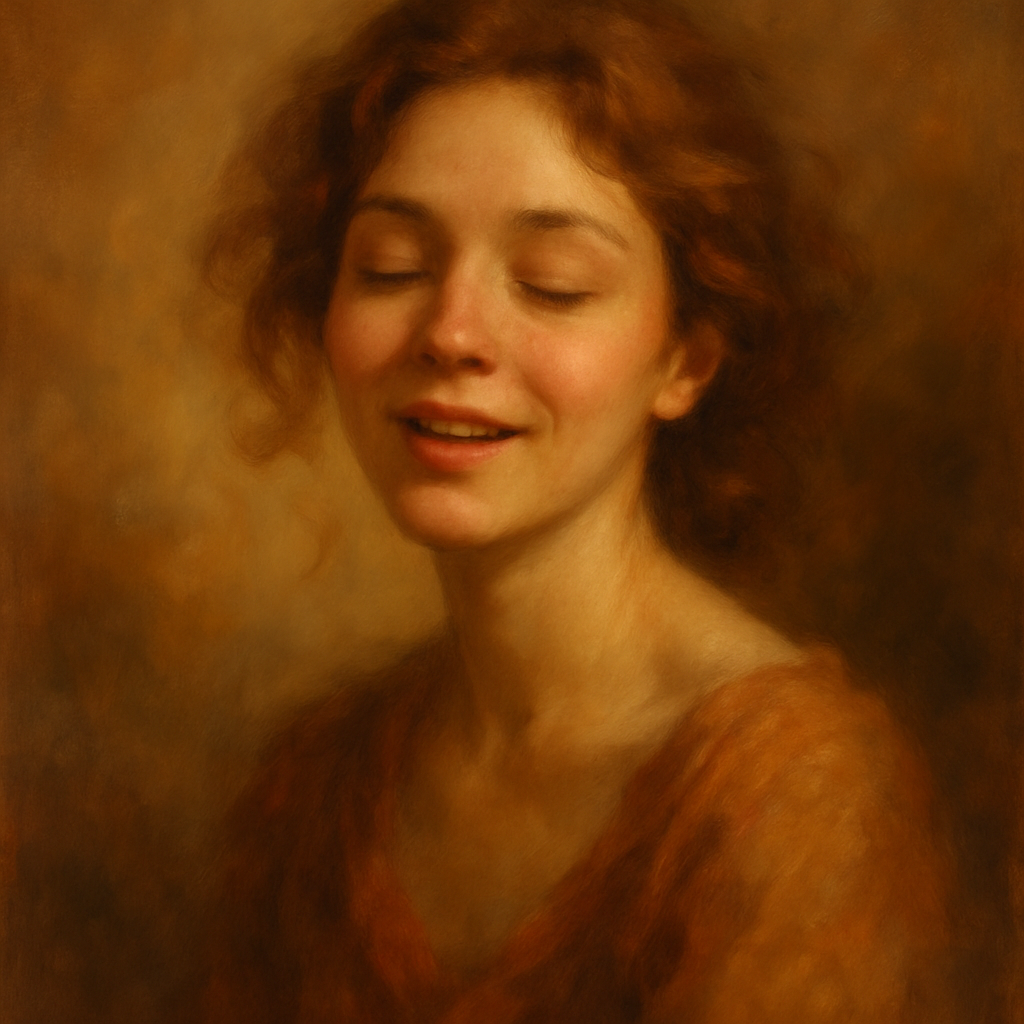
Quick answer: Describe the portrait you want in plain English — lighting, background, expression, clothing — and an AI image generator produces a finished image in seconds. No photographer, no expensive software, no subscription required. On ATXP Pics, you pay a few cents per image and only buy what you actually need.
What Makes a Profile Picture Work on Each Platform
The right profile picture matches the tone of the platform it lives on — what reads as polished on LinkedIn can feel stiff on Instagram, and what works on Discord often fails on a business directory. Before generating anything, decide where the image will live.
- LinkedIn / professional directories — Clean background (white, grey, or soft gradient), business-casual or formal attire, neutral expression or a slight smile, tight crop showing face and shoulders
- Twitter / X — More personality is fine; slightly looser crop, expressive look, bolder color backgrounds
- Instagram — Lifestyle framing works; outdoor light, natural backgrounds, relaxed expression
- Discord / gaming / community — Stylized portraits, illustrated looks, vibrant colors, character-style cropping
- GitHub / dev tools — Simple, clean, recognizable even at 32×32 pixels
Knowing your target platform narrows your prompt significantly, which directly improves your result.
How to Write a Prompt That Actually Works
Weak prompts produce generic results — specific prompts produce portraits you'll actually use. The structure below works consistently well.
Think of your prompt in four layers:
1. Subject description
Who is in the image. Describe physical features you want reflected: hair color and style, skin tone, eye color, approximate age range, gender presentation.
2. Expression and mood
How the subject looks. "Confident and approachable" and "serious and focused" produce noticeably different results.
3. Clothing and setting
What they're wearing and what's behind them. Even a vague background ("soft blue gradient") dramatically changes the feel.
4. Lighting and style
Studio lighting reads as professional. Natural window light reads as warm and approachable. Specify if you want photorealistic, illustrated, or a specific artistic style.
Put it all together and your prompt might look like this:
Example prompt: "Professional headshot of a woman in her 30s with natural curly dark brown hair, warm brown skin, and dark eyes. She's wearing a navy blazer. Confident, approachable expression with a slight smile. Soft grey background. Studio lighting. Photorealistic."
That single prompt gives the generator enough to work with. At ATXP Pics, you paste that into the chat interface, hit send, and have an image in seconds — no design tool, no camera setup, no editing knowledge required.
Step-by-Step: Generating Your AI Profile Picture
Follow these steps from blank page to finished avatar.
- Decide on your platform — Review the platform list above and note the tone and crop style you need.
- Draft your prompt using the four-layer structure above. Write two or three variations with slightly different clothing or backgrounds.
- Generate your first image on ATXP Pics. Each image costs a few cents, so running three or four variations costs less than a dollar.
- Compare results side by side. Look at lighting, expression, and whether the background is clean enough to crop.
- Refine your prompt if needed. If the expression is too stiff, add "warm and relaxed smile." If the background is too busy, specify "plain white background."
- Crop and resize using any free tool (even your phone's photo editor). Most platforms want a square image — crop tight to the face and shoulders.
- Upload and test. View the image at thumbnail size (how most people will see it) before committing.
The whole process — from writing your first prompt to uploading your final image — typically takes under 15 minutes.
Common Mistakes That Produce Unusable Results
Most failed AI portrait attempts come from one of four avoidable mistakes.
- Too vague — "professional headshot of a person" tells the generator almost nothing. The more detail you provide, the closer the output matches your intent.
- Conflicting style signals — Asking for "photorealistic" and "anime style" in the same prompt produces unstable results. Pick one visual style and commit.
- Forgetting the background — A great face on a chaotic background is still unusable as a profile picture. Always specify background color or style.
- Ignoring thumbnail size — A portrait that looks great at full size can become unreadable at 40×40 pixels. Generate with tight cropping in mind, or crop before uploading.
- Generating only one image — Run three or four variations. At a few cents each, the cost difference is negligible and you dramatically increase your odds of a result you love.
Why Pay-Per-Image Works Better Than a Subscription for Profile Pictures
Most people need a new profile picture a handful of times a year — a subscription charges you every single month whether you create or not.
The math is straightforward. At Midjourney's basic tier ($10/month), if you generate only 5 images in a month, you're paying $2.00 per image. At 20 images, that's $0.50 each. On ATXP Pics, you pay a few cents per image regardless of how often you create — and your balance never expires.
| Usage | Midjourney Basic ($10/mo) | ATXP Pics (pay per image) | |---|---|---| | 5 images/month | $2.00/image | A few cents/image | | 20 images/month | $0.50/image | A few cents/image | | 0 images next month | $10.00 charged | $0.00 charged | | Balance rollover | No | Yes — never expires |
If you need a profile picture update every few months, a subscription is the most expensive way to get one.
Get Your AI Profile Picture Today
A professional-looking portrait doesn't require a studio, a photographer, or a monthly software bill. Describe what you want, generate a few options, pick the best one, and upload it.
No subscription. No payment required to sign up. Your balance never expires — so there's no pressure to generate before a billing date resets.