Your broker just asked for a profile photo by Friday, you haven't had a professional shoot in three years, and booking a photographer this week isn't happening. That's exactly the situation a real estate agent headshot AI generator was built for — describe your look in plain English and have a polished photo ready in under a minute.
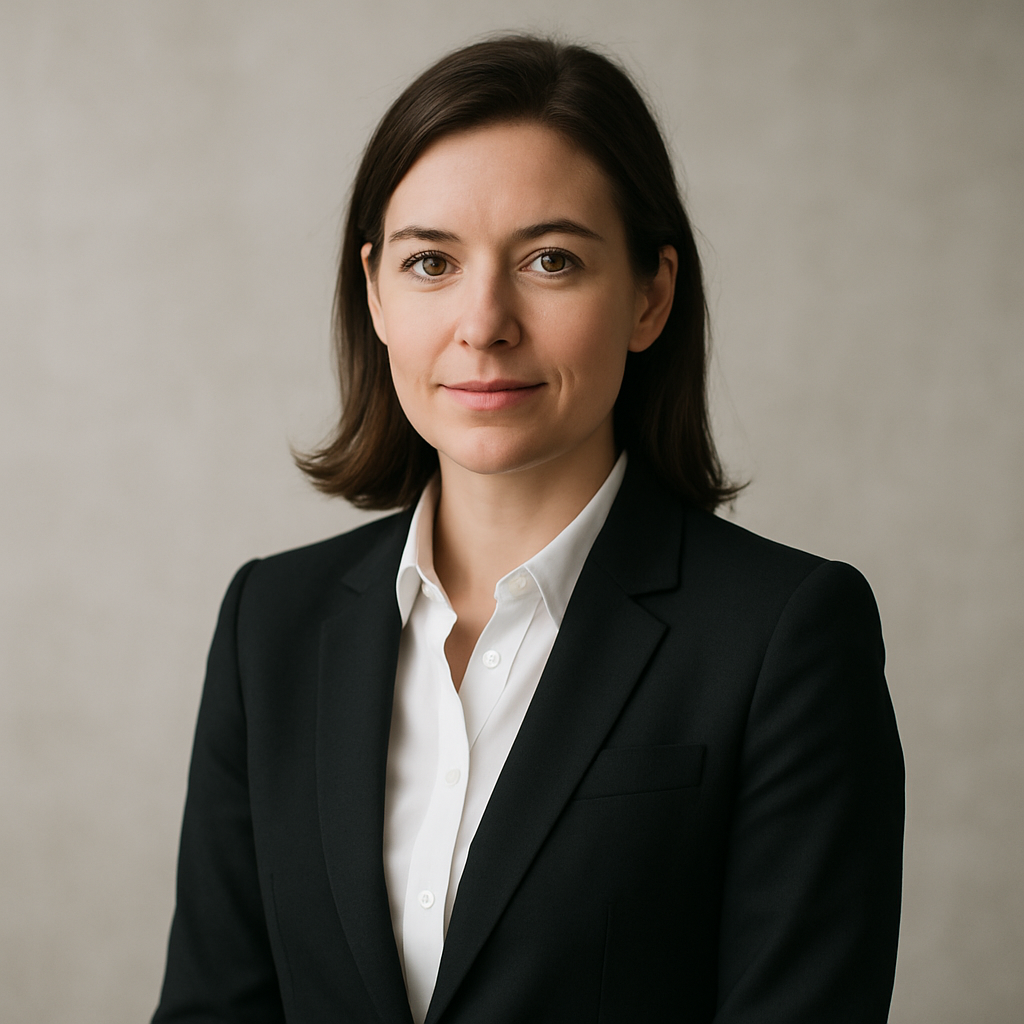
Quick answer: You don't need a photographer or a subscription to get a great real estate headshot. Describe your attire, background, and lighting in a single sentence on ATXP Pics, and a high-quality image is ready in seconds for a few cents.
What Makes a Real Estate Agent Headshot Work
A strong real estate headshot signals trust before a client reads a single word of your bio. Research consistently shows that people form impressions within milliseconds of seeing a face — your profile photo on Zillow, Realtor.com, or your brokerage website is doing heavy lifting long before anyone calls you.
The elements that matter most are simple: clean background, professional attire, good lighting, and a confident but approachable expression. You don't need a dramatic studio setup. A neutral or lightly blurred office background with soft, even lighting reads as polished and credible in every market from Austin to Boston.
How to Write a Prompt That Gets the Right Look
The more specific your description, the closer the result matches what you actually want. Think of your prompt as a brief to a photographer — attire, background, lighting, and mood in one clear sentence.
Here's a prompt structure that works well:
Professional headshot of a woman in her 40s wearing a navy blazer and white blouse, soft studio lighting, neutral light gray background, confident and approachable expression, sharp focus, photorealistic
And a variation for a more outdoor, lifestyle feel:
Professional real estate agent headshot of a man in his 30s in a charcoal suit, natural light, blurred urban exterior background, warm and friendly expression, high-resolution, photorealistic
Notice what both prompts share: specific clothing colors, a clear background choice, a lighting style, and a mood descriptor. Swap in your own details and you have a starting point you can refine in a few generations.
The Real Cost Difference Between AI and a Photographer
A professional headshot session typically runs $150–$400 — and that's before you factor in travel time, outfit prep, and the wait for edited files. If your shot is outdated or you just need a quick update for a new brokerage profile, that cost is hard to justify.
| Option | Typical Cost | Turnaround | Revisions | |---|---|---|---| | Local photographer | $150–$400 | 3–7 days | 1 round included | | Stock photo (not you) | $0–$15 | Instant | None | | AI headshot — ATXP Pics | Cents per image | Seconds | Unlimited |
With a pay-per-image tool like ATXP Pics, you generate as many variations as you want for less than the cost of a coffee. Your balance never expires, so you're not pressured to burn through credits before a billing cycle resets.
If you've ever paid $10/month for a Midjourney subscription and used it twice, you already know the problem: 5 images in a month on the Basic plan works out to roughly $2.00 per image. Pay-per-image math is straightforward — you pay only for what you actually generate.
Choosing the Right Background for Your Market
Your background communicates your brand positioning as much as your clothing does. A sleek neutral gray reads corporate and urban. A warm beige or cream feels approachable and residential. A blurred exterior of a modern building signals commercial or luxury focus.
Here are three backgrounds worth testing:
- Neutral studio gray or white — Works everywhere. Safe choice for MLS profiles and business cards.
- Warm interior (blurred office bookshelf, soft wood tones) — Friendly, residential, approachable. Strong for suburban markets.
- Blurred urban exterior — Modern, confident. Works well for agents focused on condos, new construction, or investment properties.
Try a prompt with each and compare. Since you're paying per image, generating three variations costs you less than a dollar total.
Where to Use Your AI Real Estate Headshot
An AI-generated headshot works anywhere a photo is required — MLS profiles, social media, business cards, email signatures, and yard signs. The only thing that matters is whether the image looks professional and clear at the size it's being displayed.
A few placements worth updating right away:
- Zillow and Realtor.com agent profiles — These are often the first thing a buyer or seller sees when they search your name.
- LinkedIn — A polished headshot on LinkedIn increases profile views significantly; an outdated or casual photo works against you.
- Email signature — Small but visible on every message you send. A current, sharp photo reinforces credibility.
- Business cards and flyers — If you're reprinting anyway, drop in a fresh headshot while you're at it.
ATXP Pics outputs images at high enough resolution for both digital and print use, so one good generation covers all of these.
Getting Consistent Results Across Multiple Images
Consistency matters if you're using your headshot across multiple platforms or updating it seasonally. The easiest way to stay consistent is to save your best-performing prompt and reuse it with small adjustments.
Once you land on a combination of background, lighting, and attire that looks right, keep that core prompt and only change one variable at a time — swap the background, adjust the expression descriptor, or test a different jacket color. This gives you a coherent set of images that feel like they came from the same session.
Pro tip: Add "consistent with professional real estate marketing, photorealistic, sharp focus" to the end of any headshot prompt. It anchors the style and keeps results looking polished across multiple generations.
Generate Your Real Estate Agent Headshot Today
A strong headshot is one of the highest-leverage updates you can make to your real estate marketing — it appears on every profile, every card, and every listing you're associated with. Getting a great one shouldn't require scheduling a shoot two weeks out or paying hundreds of dollars.
Describe your look, hit generate, and have a professional photo ready in seconds. No subscription, no waiting, no wasted credits.