You want a realistic AI-generated portrait — a professional headshot, a character concept, a polished LinkedIn photo — and you need to know which tool will actually deliver. This post ranks the top AI image generators for portraits in 2026 by realism, ease of use, and true cost per image.
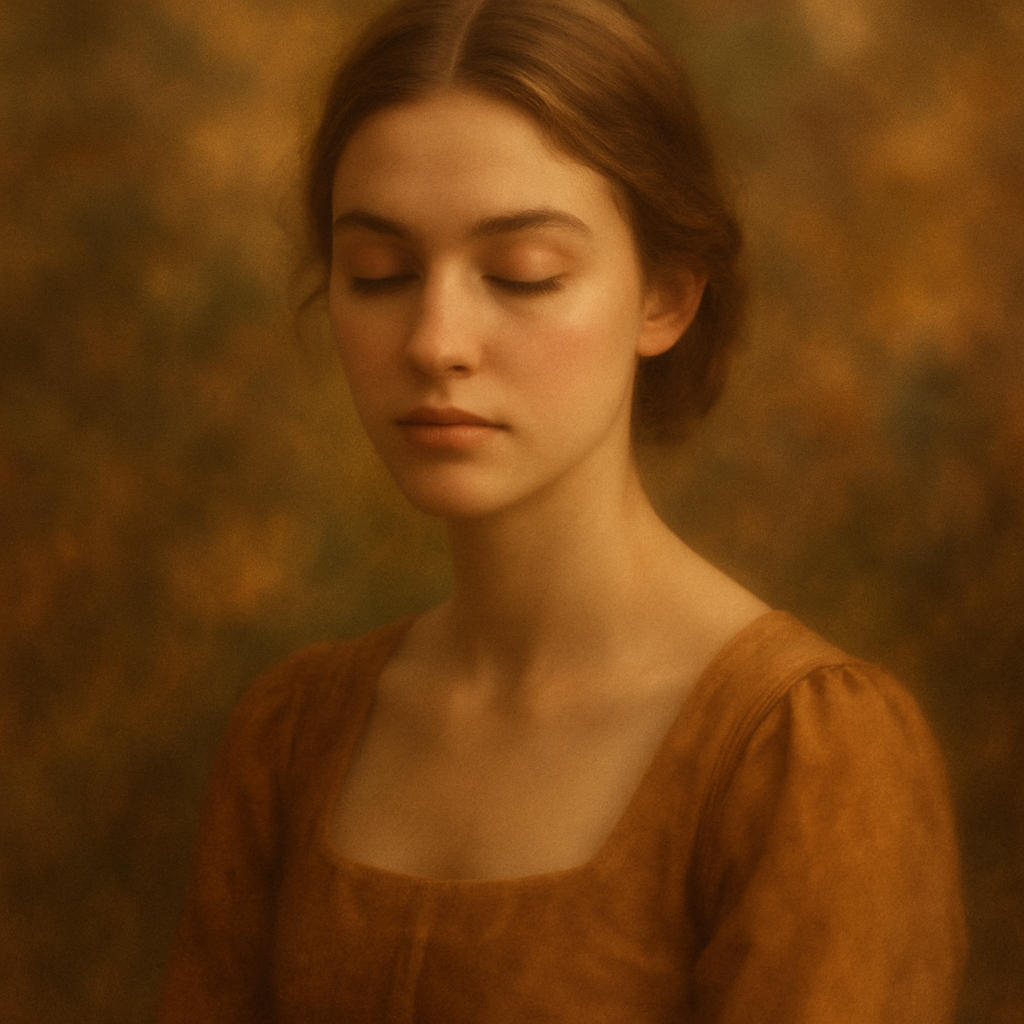
Quick answer: The best AI image generators for portraits in 2026 are ATXP Pics, Midjourney, Adobe Firefly, and DALL·E 3. For occasional use, ATXP Pics wins on cost — you pay per image with no subscription, so you're never charged for a month you barely create. For volume professionals locked into Adobe's ecosystem, Firefly is a natural fit. Midjourney produces exceptional realism but requires a $10/month minimum even if you generate two portraits.
How We Ranked These Tools
Realism alone doesn't decide the best tool — the full picture includes cost, commitment, and how much friction stands between you and the final image. Each tool below was evaluated on:
- Portrait realism (skin texture, lighting accuracy, facial coherence)
- Prompt simplicity (can a non-designer get good results?)
- Cost per image at low and moderate volume
- Subscription requirement
ATXP Pics — Best for Occasional and On-Demand Portrait Generation
ATXP Pics produces high-quality, realistic portraits through a plain-English chat interface with no subscription required. You describe the portrait you want, pay a few cents per image, and your balance never expires. There's no monthly commitment, no plan tier to choose, and no payment required just to sign up.
For someone generating portraits a few times a month — a freelancer needing a quick character concept, a small business owner wanting a polished headshot alternative — the math is hard to argue with.
What the prompts look like
"Professional headshot of a woman in her early 40s, natural daylight coming from the left, soft smile, dark blazer, blurred office background, photorealistic"
That level of description — age, lighting direction, expression, wardrobe, background — is all you need. No settings panels, no style presets to navigate.
Cost at a glance
| Images per month | Midjourney Basic ($10/mo) | ATXP Pics (pay-per-image) | |---|---|---| | 5 images | $2.00/image | ~$0.05–0.10/image | | 20 images | $0.50/image | ~$0.05–0.10/image | | 150 images | $0.07/image | ~$0.05–0.10/image |
At low volume, ATXP Pics costs a fraction of any subscription tool. At high volume, it stays competitive. And unlike subscriptions, you're never charged for a month you don't create.
Midjourney — Best Realism, Highest Commitment
Midjourney produces some of the most visually striking portrait results available in 2026, with exceptional control over lighting, mood, and stylization. If realism and artistic quality are your primary criteria and you generate consistently every month, it earns its reputation.
The tradeoff is the subscription model. The Basic plan is $10/month whether you generate 150 images or 3. There's no pay-per-image option. If your portrait needs are occasional or project-based, you're paying full price for partial use.
Best for: Professionals generating portraits at high volume who want maximum artistic control and can justify the monthly cost.
Not ideal for: Anyone with irregular, seasonal, or low-volume portrait needs.
Adobe Firefly — Best for Users Already in the Adobe Ecosystem
Adobe Firefly is built for people who already live in Photoshop or Illustrator, and its portrait quality has improved significantly through 2025. It's commercially safe by design — trained on licensed content — which matters for client work.
The limitation is the same as Midjourney's: it's subscription-gated. Standalone Firefly credit packs exist but are priced for frequent users. If you're already paying for Creative Cloud, Firefly is a strong complement. If you're not, it adds another monthly line item.
Best for: Adobe Creative Cloud subscribers who need commercially safe portrait assets.
Not ideal for: Anyone outside the Adobe ecosystem or generating portraits occasionally.
DALL·E 3 (via ChatGPT) — Most Accessible, Moderate Realism
DALL·E 3 is the easiest entry point for portrait generation, available directly inside ChatGPT with a conversational interface most people already use. Portrait quality is solid — better than earlier versions — though it tends to slightly stylize results rather than produce pure photorealism.
ChatGPT Plus costs $20/month and includes a limited number of image generations. If you're already paying for ChatGPT Plus for other reasons, DALL·E 3 portrait generation is a practical bonus. As a standalone portrait tool at $20/month, it's expensive for low-volume use.
Best for: Existing ChatGPT Plus subscribers who want occasional portrait images without switching tools.
Not ideal for: Anyone prioritizing maximum realism or cost efficiency as their primary criteria.
Side-by-Side: Which Tool Wins for Your Situation
| Situation | Best tool | |---|---| | Occasional portraits, no monthly commitment | ATXP Pics | | High-volume, artistically demanding work | Midjourney | | Commercial work inside Adobe Creative Cloud | Adobe Firefly | | Already paying for ChatGPT Plus | DALL·E 3 | | First portrait, no account anywhere | ATXP Pics (no payment to sign up) |
What Makes a Portrait Prompt Actually Work
The single biggest factor in portrait realism is prompt specificity. Vague prompts produce generic results. These four elements reliably improve output quality across every tool:
- Age and demographic — "woman in her late 30s" outperforms "woman"
- Lighting — "golden hour backlight" or "soft studio lighting from the left" gives the generator something concrete to work from
- Expression — "slight smile, relaxed" vs. "neutral expression, direct eye contact"
- Background — "shallow depth of field, blurred city street" vs. nothing
Try this prompt: "Photorealistic portrait of a man in his early 50s, salt-and-pepper beard, warm directional light from the right, navy sweater, neutral expression, blurred bookshelf background, high detail skin texture"
Copy that, adjust the details, and you'll get a dramatically better result than a one-word prompt every time.
The Honest Verdict on the Best AI Image Generator for Portraits
The best AI image generator for portraits depends entirely on how often you create. For anyone generating portraits occasionally — a few times a month or for a specific project — no-subscription pay-per-image wins every time. You get quality results without paying for capacity you won't use.
For high-volume professionals where $10/month represents pennies per image across hundreds of generations, Midjourney's quality ceiling justifies the commitment.
If you want to generate a portrait right now without entering a credit card, choosing a plan, or guessing whether you'll use the tool enough to justify the cost — ATXP Pics is where to start. Describe what you want, pay for what you create, and your balance carries over indefinitely.