Hiring a photographer for every new product variant, seasonal scene, or A/B test is expensive and slow. Ecommerce product AI images let you generate professional-quality visuals in seconds — for cents per image, with no studio, no scheduling, and no subscription. This guide walks you through exactly how to do it.
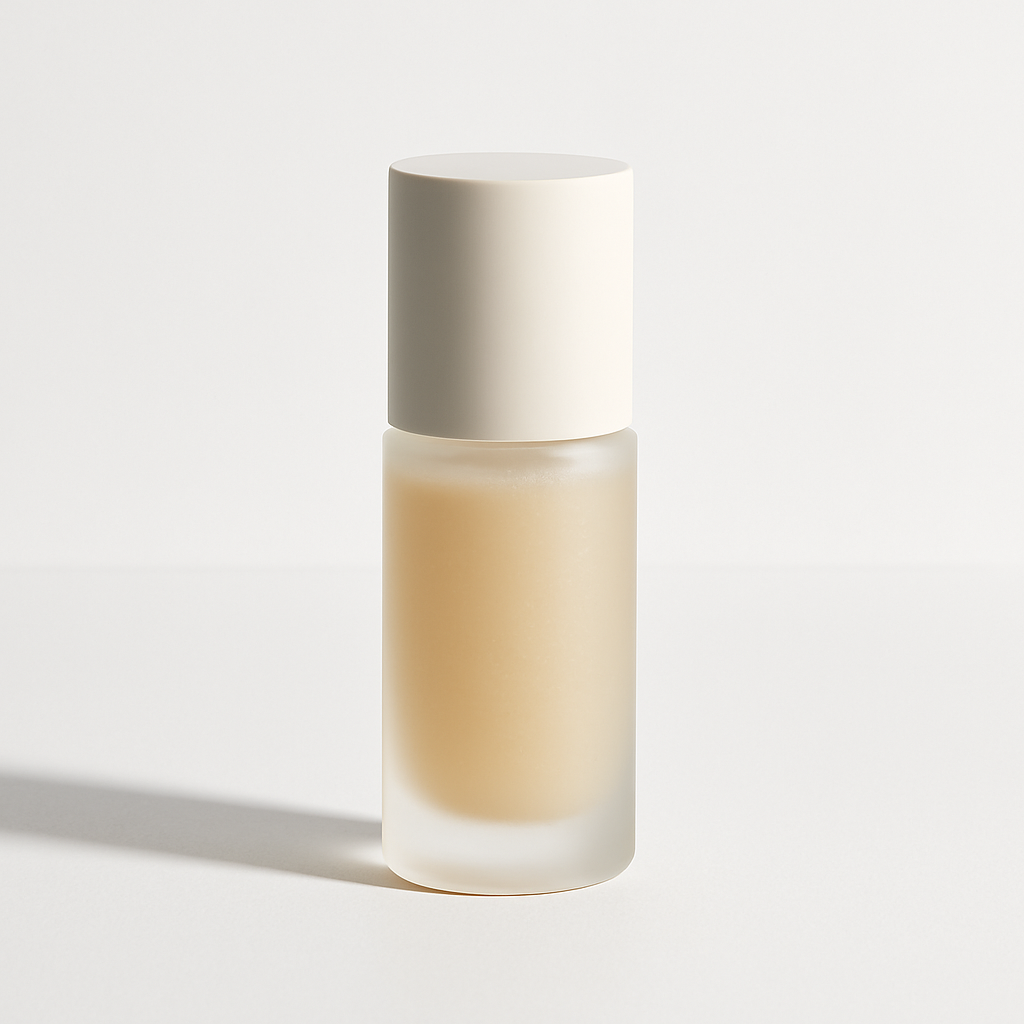
Quick answer: Describe your product and the scene you want in plain English. ATXP Pics generates a finished product image in seconds. You pay per image — a few cents each — with no monthly commitment and no balance expiration. It's the fastest way to build out a product image library without overhead.
Why eCommerce Sellers Are Switching to AI Product Images
Traditional product photography has a fixed-cost problem — you pay whether you use the images or not, and reshooting for a new background or season means starting the whole process over. AI-generated product images flip that model entirely.
Here's what changes when you generate instead of shoot:
- No minimum order — generate one image or one hundred, same cost per image
- Instant iteration — change the background, lighting, or scene in a new prompt, not a new shoot
- No scheduling lag — no waiting on a photographer's calendar to test a new listing
- Consistent quality — every image matches the same professional standard
For sellers managing dozens of SKUs or launching new products frequently, the time savings alone justify the switch.
What to Include in a Product Image Prompt
The quality of your output depends directly on the specificity of your prompt. Vague prompts produce generic results. Specific prompts produce images that match your brand and your listing.
A strong product image prompt covers four things:
- The product itself — what it is, its color, material, and any distinguishing details
- The setting or background — white studio, lifestyle scene, flat lay, outdoor context
- The lighting — soft natural light, bright studio, moody low-key, golden hour
- The mood or brand feel — minimal and clean, warm and cozy, bold and editorial
Example prompt: "A matte black ceramic coffee mug on a light oak café table, soft natural morning light from the left, steam rising from the top, minimal Scandinavian interior in the background, clean and warm feel"
That single prompt produces a lifestyle product shot that would cost $150–$300 to recreate with a photographer and props.
Step-by-Step: Generating Product Images on ATXP Pics
Generating a product image takes under two minutes from start to finish.
- Go to the AI product mockup generator and create an account — no payment required at signup.
- Add image credits — a few cents per image, no monthly subscription, balance never expires.
- Open the chat interface and type your product image prompt.
- Review the result — if you want a different angle, background, or lighting, adjust the prompt and regenerate.
- Download your image and upload directly to your listing on Shopify, Etsy, Amazon, or wherever you sell.
Common Prompt Mistakes to Avoid
- Too vague: "A photo of a candle" → you'll get a generic candle with no connection to your product
- No setting specified: Without a background, results are unpredictable
- No lighting detail: Lighting changes everything — specify it or you're leaving it to chance
- Skipping brand feel: "Professional" means different things for a luxury skincare brand vs. a kids' toy brand
Getting Consistent Results Across Multiple Products
If you're generating images for a full catalog, keep a running list of your prompt structure. Use the same lighting description, background style, and mood phrase across every product — this creates visual consistency that makes your store look polished and intentional.
Cost Comparison: AI Images vs. Traditional Product Photography
The math strongly favors AI product images for any seller who creates images more than once a year.
| Scenario | Cost per Image | Monthly Commitment | |---|---|---| | Professional photo shoot (basic) | $50–$150 | Hourly/project rate | | Freelance product photographer | $15–$50 | Per image, plus editing | | Midjourney Basic (150 images/mo) | ~$0.07 | $10/mo whether you create or not | | Midjourney at 20 images/month | ~$0.50 | $10/mo regardless | | ATXP Pics | A few cents | None — pay per image |
The Midjourney comparison matters: at $10/month for a Basic plan, if you only generate 5 product images in a given month, you've paid $2.00 per image. With ATXP Pics, slow months cost nothing extra. Your credits are there when you need them.
Generate your first product image →
Types of Product Images You Can Generate
One tool covers every image type your listings need. Here's what ecommerce sellers generate most often:
- White background cutouts — clean, distraction-free product focus for main listing images
- Lifestyle scenes — product in a real-world context that helps buyers picture it in their lives
- Flat lays — overhead shots with complementary props, popular for fashion, food, and beauty
- In-use shots — a water bottle mid-hike, a notebook open on a desk, a skincare product on a bathroom shelf
- Seasonal variants — the same product styled for holiday, summer, or back-to-school campaigns
Each of these would require a separate shoot with traditional photography. With AI, each is a new prompt — a few seconds and a few cents.
When AI Product Images Work Best
AI product images are the right choice for most ecommerce use cases — but it's worth knowing where they shine and where to be thoughtful.
They work best for:
- New product launches where you need images before inventory arrives
- Testing multiple backgrounds or scenes before committing to a full shoot
- Seasonal campaigns that need fast turnaround
- Catalog expansion where per-product photography costs would be prohibitive
Be thoughtful when:
- Your product has highly specific physical details (exact texture, unique material finish) that a prompt alone can't perfectly capture
- Platform rules require verified product photography — check the specific marketplace's policy
For most sellers, the practical answer is to use AI images for lifestyle and scene shots, and supplement with a focused shoot only for the images where physical accuracy is critical.
Build Your Product Image Library Without the Overhead
Ecommerce product AI images aren't a workaround — they're the faster, more flexible way to build a professional visual library for your store. Pay per image, describe what you want, and download something ready to publish.
No subscription. No studio. No waiting.